For MSPs and IT partners

Run every client from one desk, without owning their data.

Tickets, devices, projects, quotes and invoices for every client you look after, in one place. Each client keeps its own account and grants you access to it, which is why a client will let you in alongside their current provider.

Free plan: two client organizations, one technician, the full service desk.

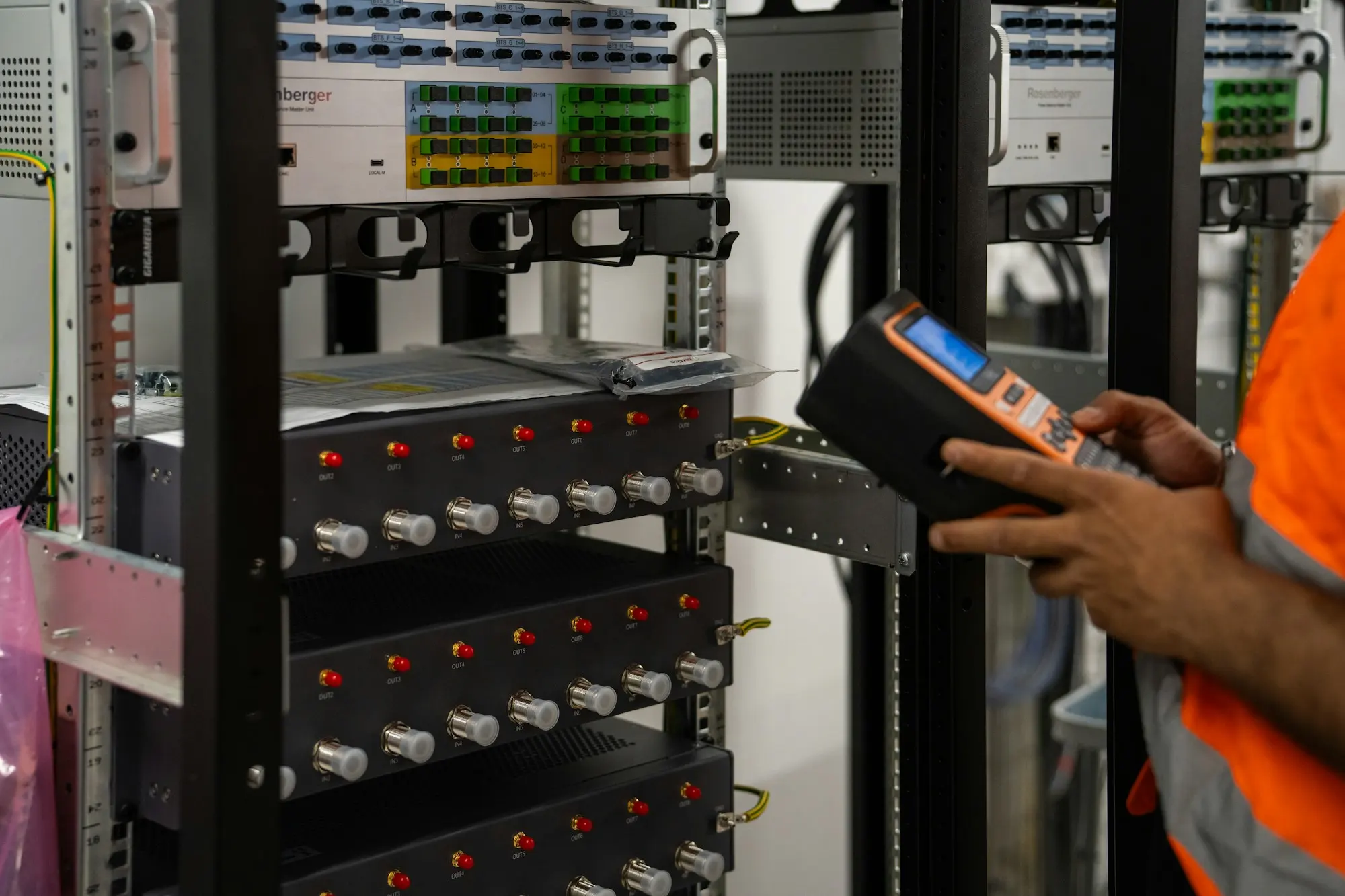
A technician in a high-visibility vest checking a server rack with a handheld tester.
The practice, end to end

Six jobs, one record per client

Each link goes to a page that describes the capability in detail, including what it does not do.

Win the work

Quote it, get it signed, bring the client on

Send a priced quote the client approves in their own portal, then turn it into an invoice in one step. Agreements go out from your own templates and come back signed, with a record of who signed, when and from where. Portal access can wait until the paperwork is done, then open on its own.

Run the desk

One queue per client, one clock per ticket

Requests arrive by portal, email or monitoring alert and are assigned by round-robin, by load or by hand. SLA clocks follow the client's working hours and holidays and warn before a breach. Share a queue into a client organization and both teams work the same tickets without the client getting into your helpdesk.

Know the estate

Every device, licence and site, fed by the tools you already run

ConnectWise Automate, Zabbix, ScreenConnect, Azure and GLPI feed one asset register and one alert queue. Software licences are compared with what is installed, per product and per client, so you find the gap before the vendor does.

Sell hardware and services

Distributor cost in, margin-checked price out

Ingram Micro and TD Synnex price lists load into one catalogue of more than 600,000 products, with photos and specifications filled in. Your markup rules, contract prices and margin floors are applied once, so the storefront, the quote and the invoice agree. List your own services for other MSPs to resell, or resell theirs.

Bill and collect

Invoices that reconcile themselves

Approved time, contract charges and orders become invoices in the client's currency, with the right provincial tax. Clients pay by card or bank debit from their portal. Balances are recalculated from the payments and credits behind them, and QuickBooks Online stays in step both ways.

Make it yours

Your name on the portal, the emails and the domain

Set your logo, colours and legal identity once and they carry through the portal, every email and the sign-in page. Serve the portal from your own hostname with a managed certificate, and let clients set their own brand on top if they want to.

Co-management

Two providers on one client, without a shared login

Co-management is included on every plan, including Free, with no limit on collaborating providers.

Number of clients
As many as your plan allows: two on Free, unlimited from Scale
Primary or collaborator
The primary provider bills, brands and covers the client's plan. A collaborator works the same tickets and assets and sees none of the revenue
Getting in
Send an invitation, or give the client your partner code and accept their request. Neither side can approve its own
No public directory
There is no list of providers to browse. Your partner code is the introduction
What you can reach
The client's tickets, assets, projects and calendars. Their queues, SLA policies, numbering and payment settings stay theirs
Leaving
One action. If you were primary, the client carries on independently with every record intact
Evidence
Every step is written to both sides' audit trails, so nobody depends on the other party's records

Questions

What MSPs ask on the first call

We are the incumbent. Does this make us easier to replace?

It makes the relationship rest on the work rather than on the data. A client who can leave and chooses not to is a reference. It also works in your favour when you are the one walking into an account beside an incumbent: you do not have to ask them for access to their system.

Can we bring a client on before they are paying anything?

Yes. A managed client with no plan of its own is covered by its primary provider's plan, so you can create the client, its contacts, contract and agreement pack before any money changes hands. When the client wants a plan of its own, it buys one directly.

Do we earn anything when a client buys its own plan?

On Starter and above, commission accrues on the subscriptions of the clients you brought in. Earnings, platform fees and the netted payout are shown per client so you can check the figures.

How long does setup take?

An afternoon for the basics. Pick the business blueprint closest to how you work and Solidlio creates your queues, SLA tiers, ticket categories, canned responses, agreement templates and business hours. A getting-started checklist tracks the rest and ticks itself off as you go.

We run GLPI today. What comes across?

GLPI is a live two-way integration: tickets sync in both directions, and assets, software, contacts and suppliers come in. For other service desks, the migration guide sets out what can be imported and what cannot.

Can technicians open a remote session from the ticket?

Yes, through ScreenConnect or ConnectWise Automate, from the ticket they are already reading, with the affected devices linked to it.

Bring your most awkward client to the demo.

The one with two providers, a spreadsheet of assets and an invoice dispute. We will walk it through end to end.

Book a demo Compare MSP plans

A 30-minute walkthrough against your own workflow. No slides.